Plain language, no code.
You don’t write anything technical. Describe the result; Webmod writes the script.
Describe a change to any website in plain words, or sketch it right on the page. Webmod writes a small script that makes it, shows you the code, and keeps it running every time you come back.
Webmod runs in Chrome and Firefox on a computer. Send yourself the link and set it up there.
We’ll email the link to this address once, and won’t write again. How we handle your email
Open a site, say what you’d like changed (“make the checkout button green”) or drag to mark the spot on the page.
Webmod asks what it needs to get the change right, then writes it.
The change runs in your browser so you can see it. Not right? Say what’s wrong and it fixes that specifically.
Keep the change and it re-runs automatically every time you open the page. It comes with a one-click undo.
You don’t write anything technical. Describe the result; Webmod writes the script.
Can’t describe it? Draw a box around what you mean.
Every change is shown to you before it runs, and comes with a matching undo.
Each script is screened automatically. Anything that touches cookies, storage or the network gets a stricter check, and anything that fails is never delivered.
Keep a change and it’s saved on your device, re-running each time you revisit the site.
When a site changes a lot, you may need to redo it.
The scripts are yours. Export everything, or delete your account and everything with it, whenever you want.
Nothing is collected while you browse. Webmod acts only when you want to create a mod, and your typing never leaves your machine.
No tracking, history or telemetry. No data is sent until you want to create a mod.
Form fields are emptied in your browser before anything is sent, and again on our servers.
The page snapshot we need is deleted automatically after a day.
Download everything we hold, or delete your account for good.
Step by step: how to fix the things that bother you on YouTube, Google and any other website.
All guides →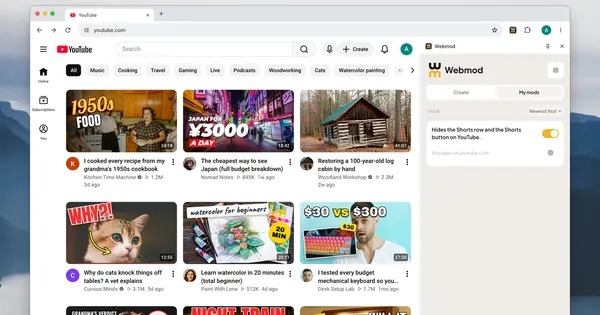 How to disable YouTube Shorts YouTube has no setting to turn Shorts off. Here’s how to remove the Shorts row and the Shorts button from YouTube on your computer with one sentence.
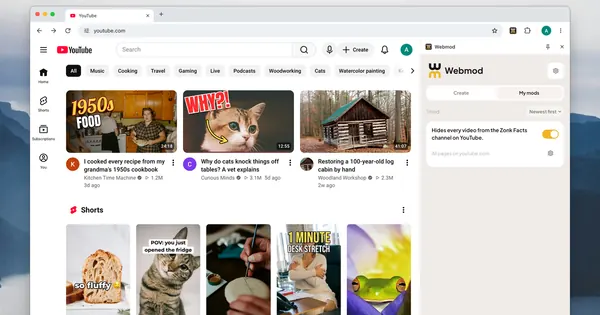 How to block a YouTube channel YouTube can only stop recommending a channel. Here’s how to hide every video from a channel on YouTube on your computer with one sentence.
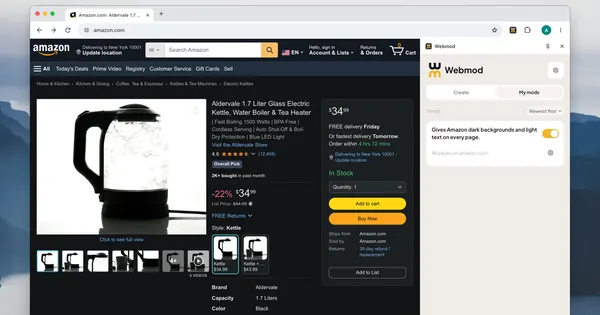 How to get Amazon dark mode Amazon’s website has no dark mode. Here’s how to make amazon.com dark on your computer with one sentence, so it’s easier on your eyes at night.
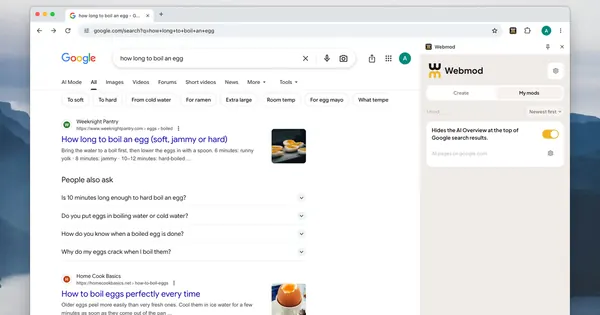 How to turn off AI Overviews in Google Google has no setting to turn off AI Overviews. Here’s how to hide them on your computer with one sentence and get straight to the normal results.
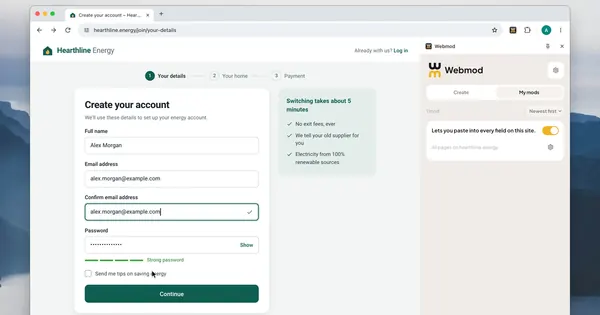 How to enable pasting text on sites that block it Some forms won’t let you paste your email or password. Here’s how to allow pasting on any website again with one sentence, password managers included.
Contacthello@webmod.app
No. You describe what you want in plain words; Webmod writes the script.
Chrome 138+ and Firefox 153+. You turn on “Allow User Scripts” once; Webmod shows you how.
Yes, to start: the Free plan includes a one-time usage limit for trying Webmod out. Paid plans add a usage limit that renews every month, and more features.
Your saved fix keeps running as long as the parts it targets are still there. If the site changes enough, the fix may stop working and you can redo it.
Only once you start creating a mod, and only the page you are creating it for, with the contents of input fields removed first. Nothing is collected while you just browse.
It can change how most sites look and behave. Some changes aren’t possible as a userscript; when that’s the case, Webmod tells you up front.
Your browser does, as a user script (the browser’s own mechanism), and only after you’ve seen the code and chosen to keep it.
Webmod runs in Chrome and Firefox on a computer. Send yourself the link and set it up there.
We’ll email the link to this address once, and won’t write again. How we handle your email